Competitor ad research
Competitor ad research for Meta ads, done every day
Mockingbird finds your competitors' Facebook and Instagram ads in the Meta Ad Library, checks for new ones every day, scores them, and sends you the strongest with a reason for each. Paste a competitor's Page once. The ones you like can be rebuilt for your brand.
Last updated
Read the transcript
Your competitor's best ad? It's public. Right now!
It's sitting in Meta's ad library, for anyone to see!
Mockingbird finds the ads that have been running the longest!
Then it rebuilds the idea for your brand. Your voice! Your colours! Your offer!
You get on-brand variants, ready to edit and export!
No copying. No guessing.
Mockingbird! Their best idea, your brand.
Why research competitor ads at all
Your competitors are spending money to find out what your shared customers respond to. Their ads are public. An ad they have kept running for months has passed a test you would otherwise pay to run yourself, so it is a sensible place to start your next one.
The research is not hard. It is tedious, which is why most teams do it once a quarter and work from a stale picture the rest of the time.
How to find a competitor's ads by hand
- 01
Open the Meta Ad Library
It is free and public. Choose your country and the All ads category. The Meta Ad Library guide covers every filter. - 02
Search for the competitor
Type the brand name and pick their Page. You now see every ad they are running. - 03
Look for what has lasted
Note the start date on each ad and whether it has several versions. Long-running ads with many versions are the ones the competitor is investing in. - 04
Write down the pattern
For each strong ad, record the hook, the offer and the layout. The pattern is what you can use. The brand, the product photo and the wording are theirs. - 05
Repeat for every competitor, every week
This is the step that stops happening.
What Mockingbird does instead
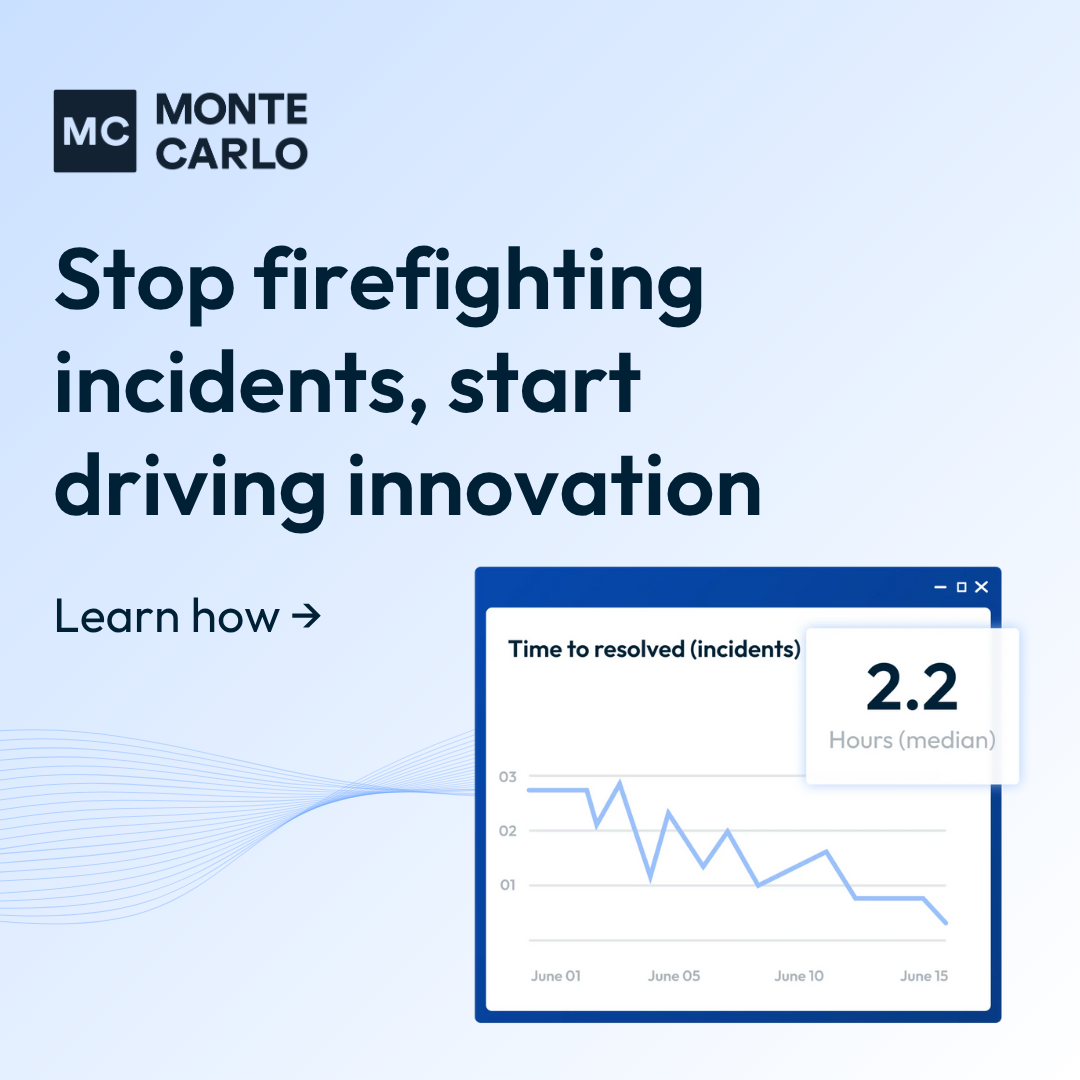
Competitor ad · Monte Carlo Data
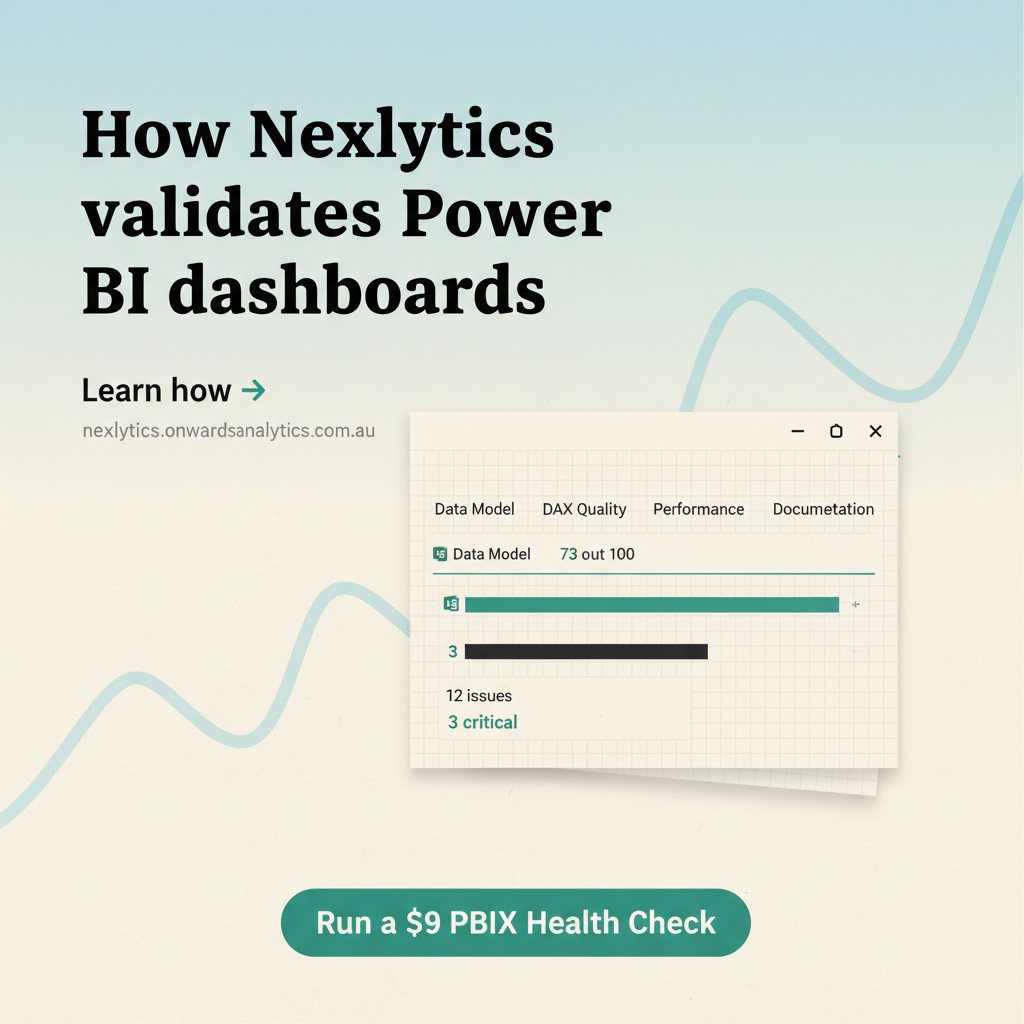
Rebuilt for Nexlytics
| By hand | With Mockingbird | |
|---|---|---|
| Finding the ads | Search each competitor in the library. | Paste each competitor's Page once. |
| Staying current | Whenever you remember to look. | Checked every day; new ads arrive in your feed. |
| Duplicates | The same ad listed many times over. | Collapsed into distinct creatives. |
| Deciding what matters | Your judgement, ad by ad. | Each ad scored, with a short reason it was picked. |
| Keeping a record | A spreadsheet or screenshots. | Like, save or skip; your choices shape what you see next. |
| Making your version | Brief a designer. | Rebuild the ad for your brand from your brand profile. |
- A daily drop. A short list of scored competitor ads each day, in place of a long unranked search result.
- A reason with every pick. You can see why an ad was chosen, and disagree with it.
- It learns your taste. What you like, save and skip changes what is recommended.
- From research to an ad. Pick an ad and Mockingbird rebuilds its structure with your brand's colours, voice and product. See the ad generator.
What no research tool can tell you
Meta does not publish what a commercial ad cost or what it earned, and nobody outside the advertiser has those numbers. Mockingbird does not claim to. It works from the signals that are public: how long an ad has run, how many versions exist, and how often an idea is repeated. Those are evidence that an ad is worth testing, and your own results are the only proof that it works for you.
What it costs
Plans start at $29 a month, and you can try the whole workflow for 7 days for $9. See pricing for what each plan includes, or how it works for the full walkthrough.
Questions people ask
How do I find my competitors' ads on Facebook and Instagram?
Every ad running on Meta's platforms is listed in the Meta Ad Library, a free public archive. Search it by the competitor's name or open the Page transparency section of their Facebook Page. Mockingbird does the same lookup for you: paste a competitor's Facebook Page and it pulls their active ads, removes duplicates and checks again every day.
Is it legal to look at competitors' ads?
Yes. The Meta Ad Library is published by Meta as a transparency tool and anyone can browse it without an account. Reading public ads is research. What you may not do is copy a competitor's logo, product photos, trademarks or exact wording into your own ads.
Can I see how well a competitor's ad is performing?
No. Meta does not publish spend, clicks or conversions for commercial ads, and no outside tool has that data. The usable signals are how long an ad has been running, how many versions of it exist, and how often the same idea is repeated. Mockingbird scores ads on signals like these and tells you why each one was picked.
How many competitors should I track?
Three to five direct competitors is enough to see patterns. Add one or two brands outside your category whose ads you admire, because the freshest ideas often come from a different market.
Try it on your own competitors.
$9 for 7 days. Paste a competitor's Page and see their best ad rebuilt for your brand.
Keep reading
- Meta Ad Library guideDo the research by hand: how to search the library and read what you find.
- AI ad generatorWhat happens after you pick an ad: the rebuild for your brand.
- Meta Ad Library alternativeA side-by-side of the free library and Mockingbird.
- Nexlytics case studyThree real competitor ads and the variants built from them.
Mockingbird is an independent product from Onwards Analytics and is not affiliated with, endorsed by or sponsored by Meta. Meta, Facebook, Instagram, Meta Ads Manager and the Meta Ad Library are trademarks of Meta Platforms, Inc. Meta changes its tools often; check Meta's own help pages for the current detail before you rely on it.